Anne Praetorius
AP LandSketch · PlanKit
Procreate brush set

PlanKitAP LandSketch — by Anne Praetorius

From a technical or sketched draft to a digital, hand-drawn design plan — in five quiet steps.

Secure checkout via PayPal

6 sets 80+ brushes 1 : 100 300 dpi Procreate 5+
49 €
one-time
Finished design plan, drawn with the AP LandSketch PlanKit
01 — What you getInside your PlanKit

Everything you need.

Four files, one workflow — and the user guide as an online edition included.

01 — Brushlibrary
AP LandSketch PlanKit
The full brush set as a .brushlibrary file, with all 6 sets and 82 brushes, stamps and patterns. Imports directly into Procreate.
02 — Swatches
Colour palette
The matching colour palette as a .swatches file — every design colour at your fingertips. Imports directly into the Procreate colour panel.
03 — Canvas A4 & A3
Master templates
Two prepared Procreate files — A4 and A3, 300 dpi each, with a preset 2D grid (10 mm). Ready to use as your starting file.
04 — User guide
Online & PDF
A detailed user guide with workflow, brush reference, gesture overview, FAQ and license — readable online and printable as PDF.
02 — Six sets at a glanceFrom linework to staffage

Six sets, one plan.

Each set has one clear job in the workflow. No duplicates, no gimmicks — only what a design plan actually needs.

Set 01
Basics
Linework — Fineliner, BaseShape, dashed lines.
3 brushes
Set 02
Surfaces
Wooden decking (15 cm + 30 cm), cobblestone (2 sizes), gravel.
5 brushes
Set 03
Vegetation
Planting & lawn fills, blossoms, inner structures.
14 brushes
Set 04
Trees
Three growth orders (⌀ 3 / 5 / 8 m), three crown shapes each.
~24 stamps
Set 05
Shrubs
Three sizes — L (⌀ 2 m), M (⌀ 1.5 m), S (⌀ 1 m).
15 stamps
Set 06
Staffage
Furniture, vehicles, scale bar and north arrow.
20+ stamps
03 — WorkflowFrom reference plan to finished illustration

In five steps.

The sequence is always the same. Once you've done it once, it sticks — and gets faster every time.

01
Import
reference plan
Load the file, scale it, lock it.
02
Draw
linework
From the big picture into the detail.
03
Lay in
surfaces
Define base areas cleanly.
04
Detail
surfaces
Textures, blossoms, inner structures.
05
Set
shadows
Last, not first.
Read the full guide →
04 — GalleryWhat's possible

What you make with it.

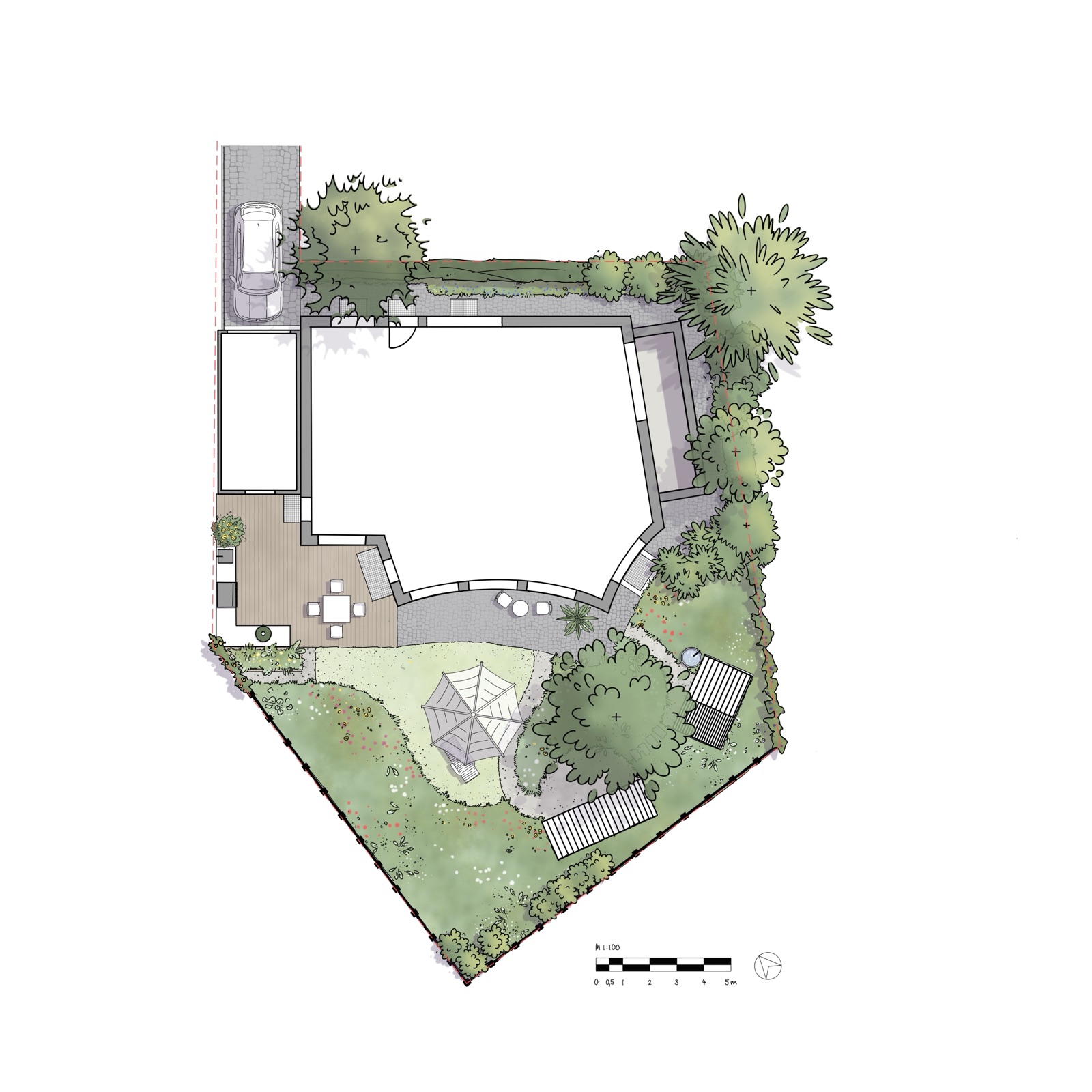
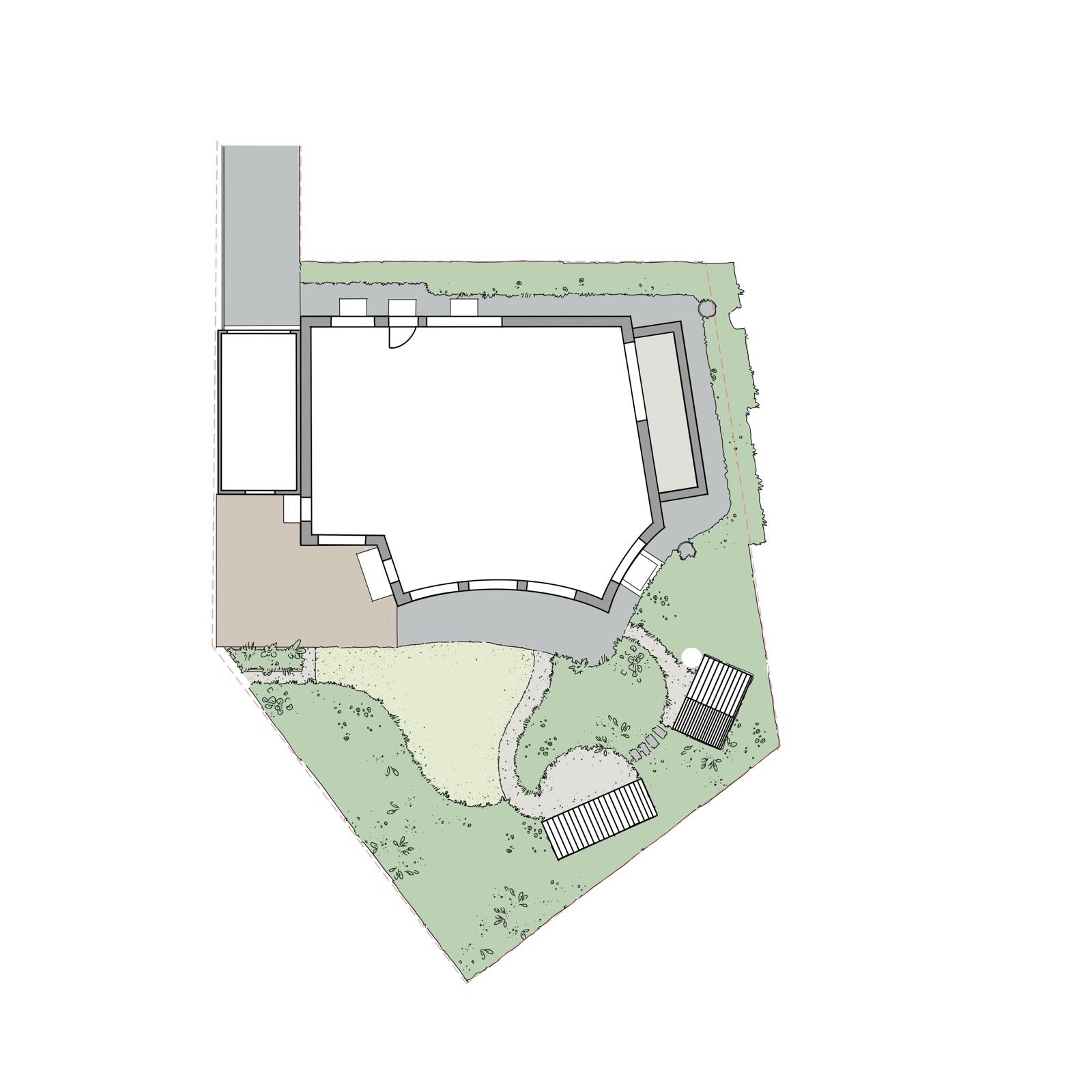
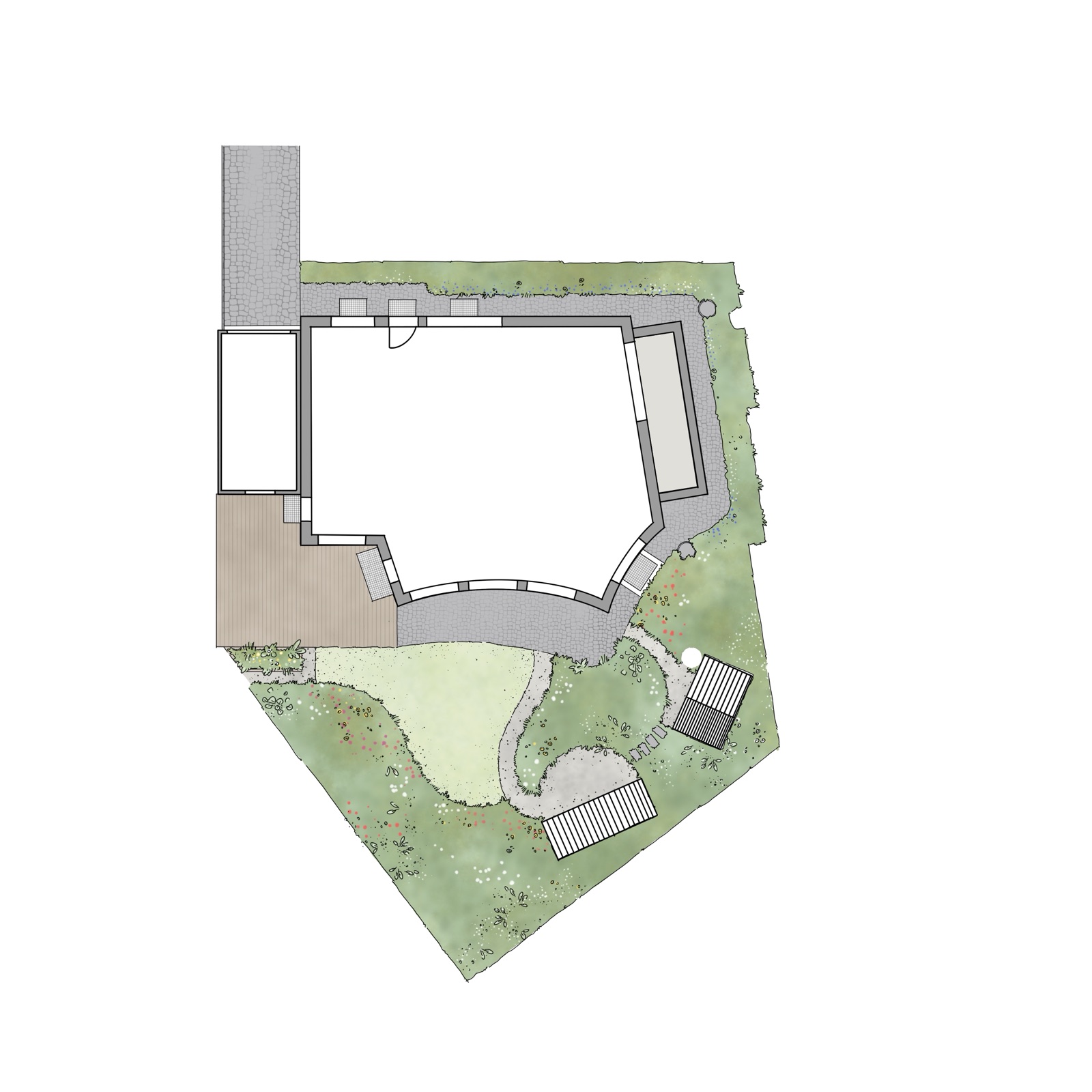
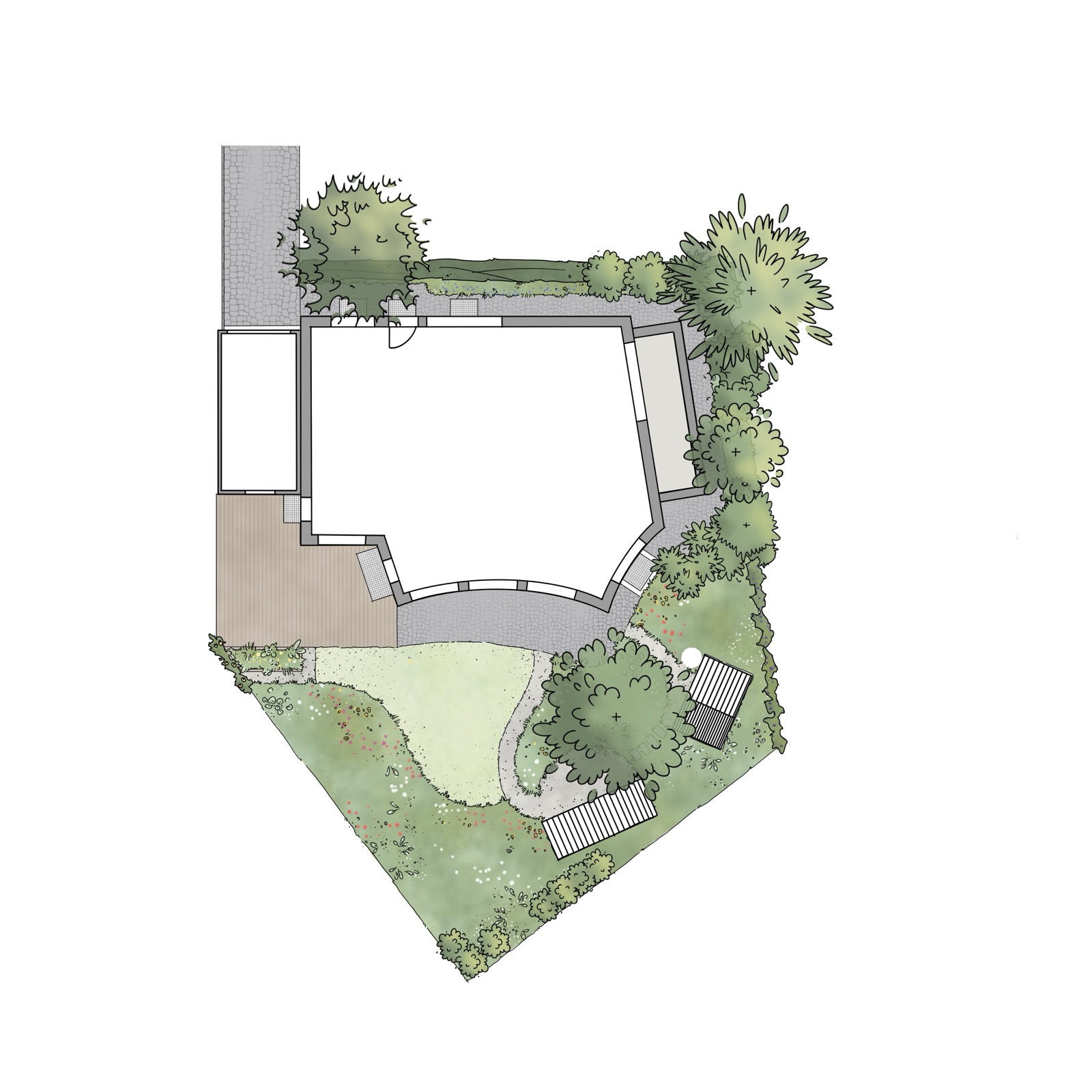
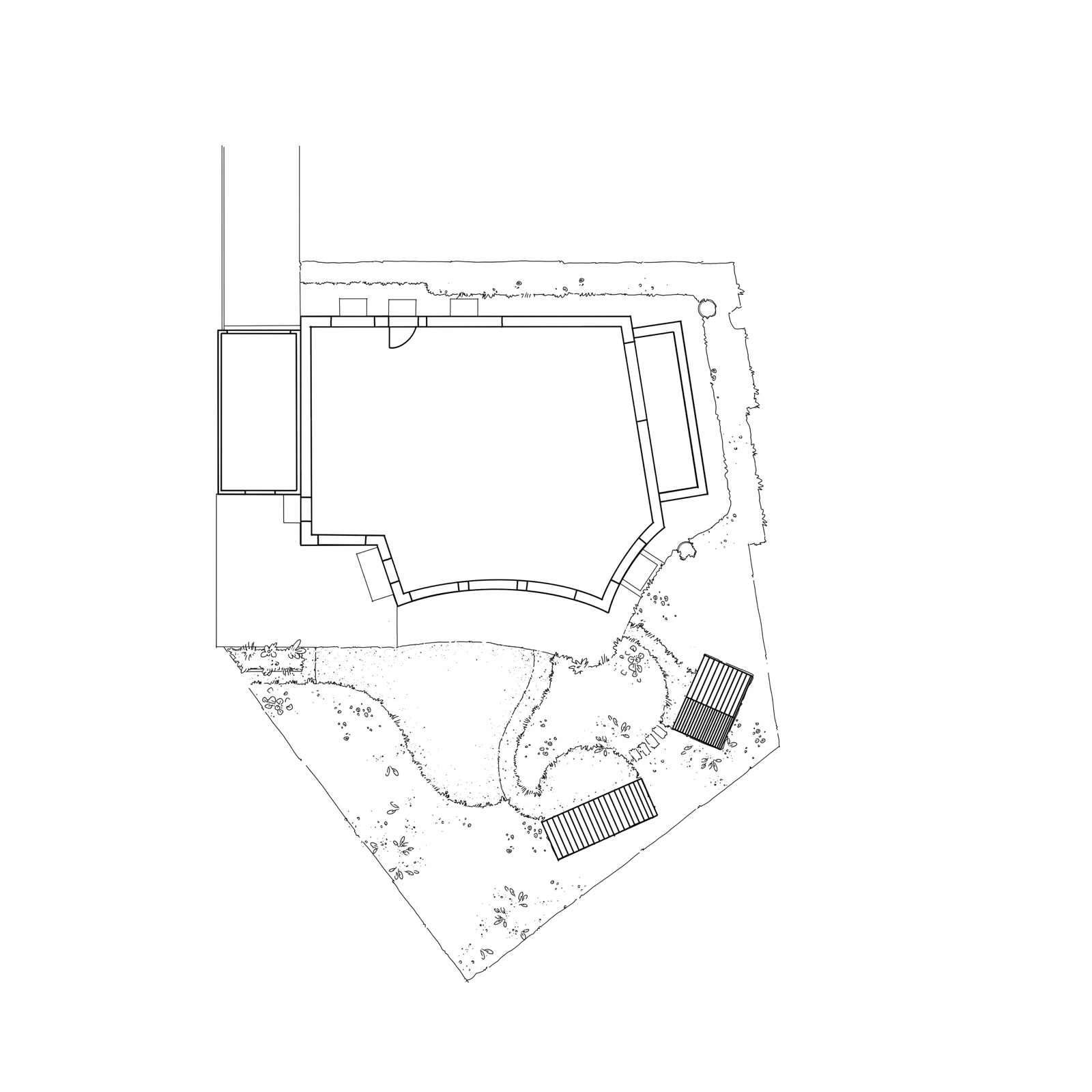
Test plan S — a private garden, ca. 320 m². Four stages, one PlanKit.
05 — At a glanceTechnical details

Technical specs.

Contents
82 brushes & stamps across 6 categories (Basics, Surfaces, Vegetation, Trees, Shrubs, Staffage)
Patterns
3 watercolour patterns
Colour palette
Curated for plan illustration, as Procreate file (.swatches)
Canvas templates
DIN A4 and DIN A3, pre-set with scale bars
User guide
Online & PDF, German and English
Software
Procreate version 5 or newer
Device
iPad with Apple Pencil recommended
Delivery
Instant download after payment, ZIP file, download link valid for 24 hours
Licence
Personal & commercial use, unlimited personal iPads, unlimited plans
Price
EUR 49 one-time (no VAT shown — German small-business exemption under § 19 UStG)

Ready for your first plan?

Buy once — use on all your iPads, draw as many plans as you like, for personal and commercial use.

  • 6 sets · 82 brushes & stamps
  • A matching colour palette as .swatches
  • 2 prepared canvas templates (A4 + A3)
  • Detailed user guide — online & as PDF
  • Personal & commercial use permitted
AP LandSketch PlanKit · v1

Procreate brush set

49 incl. VAT
digital download
Accepted payment methods: PayPal, direct debit, credit cards Processed by PayPal
06 — FAQWhen something doesn't fit

Frequent questions.

Don't see your question? Drop me a line — I reply quickly.

Do I need special hardware?
An iPad with Apple Pencil and Procreate version 5 or newer. The PlanKit was developed on an iPad Pro 12.9″ (1st generation) — newer models have the advantage of more available layers.
How does delivery work?
After successful PayPal payment you'll be redirected to a download page. There you'll find a ZIP file with the brushlibrary, colour palette and both canvas templates, plus a link to the guide. You can load the files directly onto your iPad or transfer them from a computer via AirDrop or cloud storage.
Can I use it commercially?
Yes — personal and commercial use are both permitted, including paid client work. Unlimited plans, unlimited personal iPads. What's not allowed: passing on, reselling, feeding into AI training, or redistributing the set's content in tutorials or courses.
I've never used Procreate — will I be okay?
The guide takes you step by step through setup, scale, workflow, brush reference, gesture shortcuts, FAQ and troubleshooting. Anyone who has ever sketched on an iPad will find their way around very quickly.
What if I have problems with the import?
The "Installation Guide" chapter walks through desktop and iPad installation step by step — including the most common stumbling blocks. If something still doesn't work, write me at mail@anne-praetorius.de.
Is there a student discount?
Yes. Students of landscape architecture and related programmes receive a reduced price. Send me an informal email with proof of enrolment to mail@anne-praetorius.de — I'll reply with a personal checkout link.